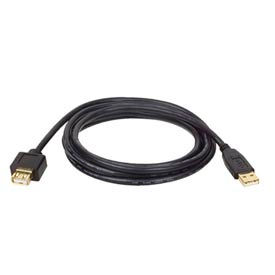
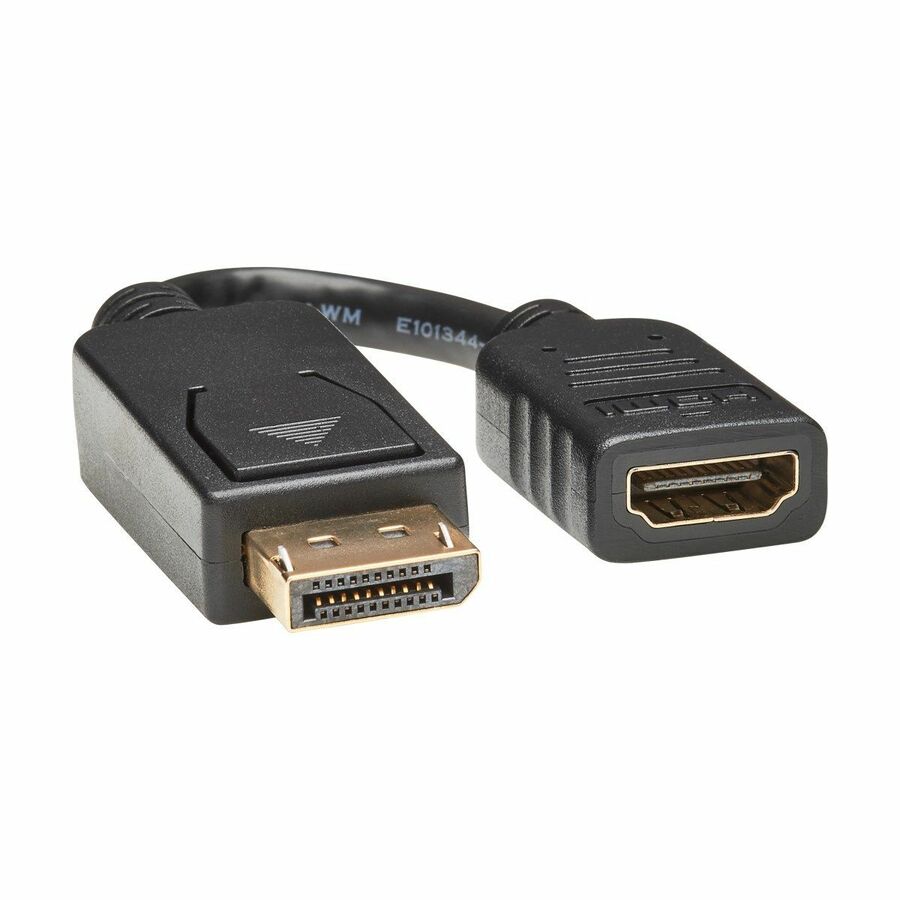
Tripp Lite Displayport to Hdmi Video Adapter Video Converter (Mf) Hdcp Black 6 in (15 Cm)
Login to View Prices
Tripp Lite DisplayPort to HDMI Video Adapter Video Converter (M/F) HDCP Black 6 in. (15 cm) – DP 2 HD 1920×1200/1080P (M/F) 6-in.
Additional information
| Brand | Tripp Lite by Eaton |
|---|---|
| Product Type | A/V Cable |
| Additional Warranty Informati | <p>3 year limited warranty</p> |
| Environmental Certification | RoHS |
| Connector Type On First End | HDMI Type A Digital Audio/Video – Female |
| Connector Type On Second End | DisplayPort 1.2 Digital Audio/Video – Male |
| Product Color | Black |
| Connector On First End Details | 1 x 19-pin HDMI Type A Digital Audio/Video – Female |
| Connector On Second End Detai | 1 x 20-pin DisplayPort 1.2 Digital Audio/Video – Male |
| Country Of Origin | Vietnam |
| Brand Name | Tripp Lite |
| Features | Molded |
| Conductor | Copper |
| Manufacturer | Tripp Lite by Eaton |
| Product Model | P136-000 |
| Product Name | Adapter Cable |
| Manufacturer Part Number | P136-000 |
| Manufacturer Website Address | |
| Marketing Information | <p>DisplayPort to HDMI converter adapter allows you to connect your computer with a Displayport output to an HDMI monitor. Fully molded ends are durable for long-lasting use. Operating as a Passive adapter, this converter adapter requires that the connected computer has a DP++ (DisplayPort ++) port, which allows HDMI and DVI signals to be passed through. 6" converter adapter supports computer video resolutions up to 1920 x 1200, HD resolutions up to 1080p, and 7.1 audio surround sound.</p> |
| Packaged Quantity | 1 Each |
| Limited Warranty | 3 Year |
| Additional Information | <p><b>System Requirements:</b></p><ul><li>Computer with a Displayport output</li><li>Display with a HDMI port</li><li>The P136-000 supports transmission of an audio signal as long as it is supported by the Displayport source. Check the documentation for your Displayport source for compatibility.</li><li>The P136-000 is a Passive adapter, and requires that the connected computer has a DP++ ( Displayport ++ ) port, which allows HDMI and DVI signals to be passed through, check the documentation for your Displayport source for compatibility.</li></ul> |
| Cable Length | 2001-06-01T05:00:00.000Z |