Lorell Laptoptablet Tray

Login to View Prices
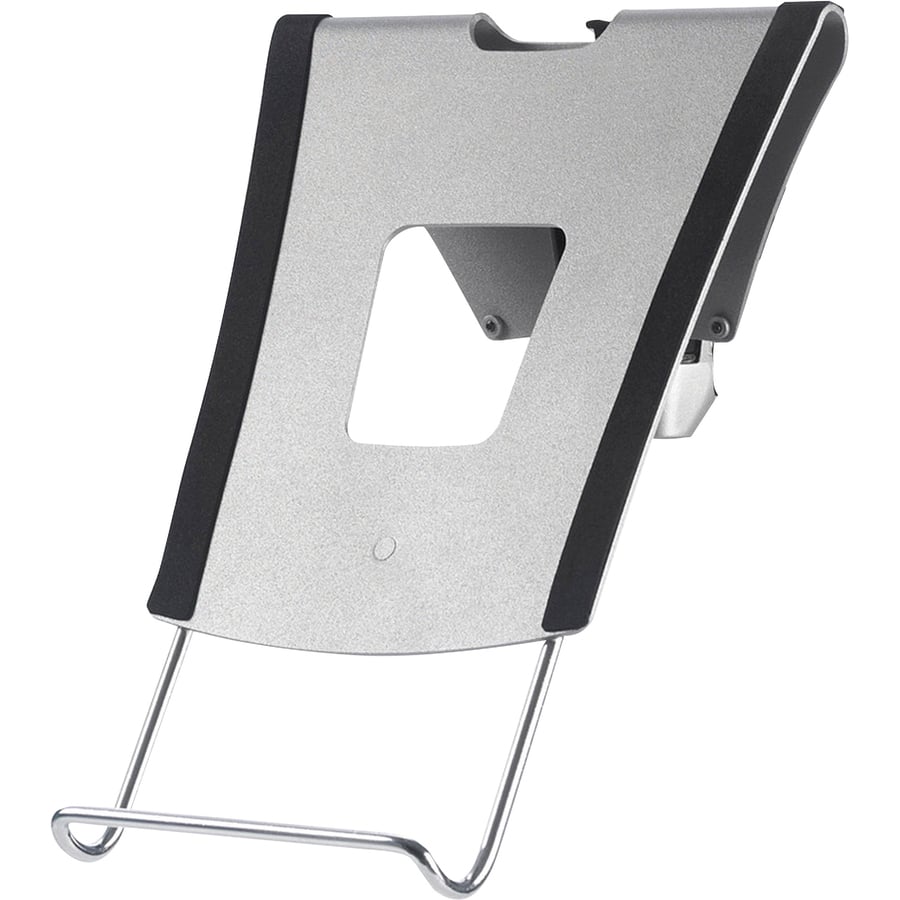
Lorell Laptop/Tablet Tray – Notebook, Tablet Support – Gray
Additional information
| Brand | Lorell |
|---|---|
| Product Type | Cooling Stand |
| Product Color | Gray |
| Country Of Origin | China |
| Recycled | No |
| Post Consumer Waste% | 2000-01-01T06:00:00.000Z |
| Assembly Required | Yes |
| Brand Name | Lorell |
| Features | Adjustable |
| Manufacturer | Lorell |
| Product Name | Laptop/Tablet Tray |
| Device Supported | Tablet |
| Manufacturer Part Number | 3189 |
| Manufacturer Website Address | |
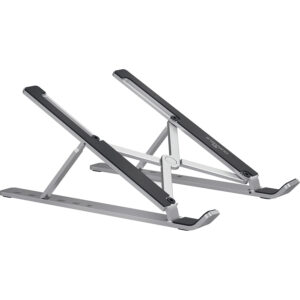
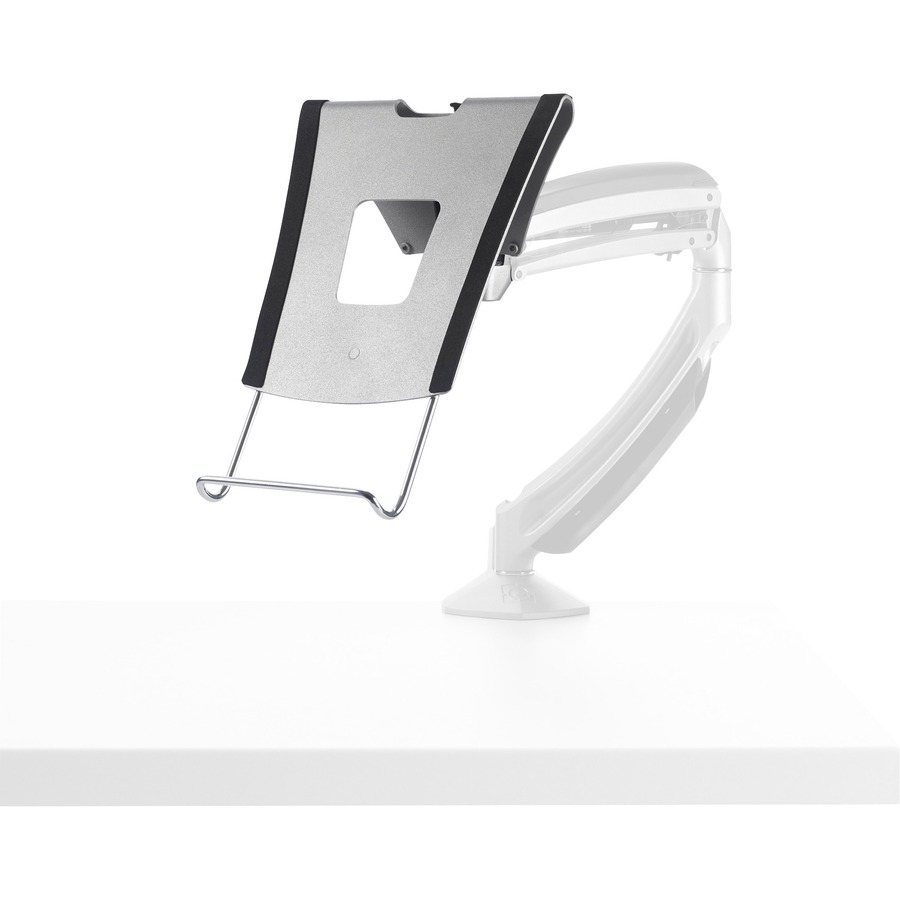
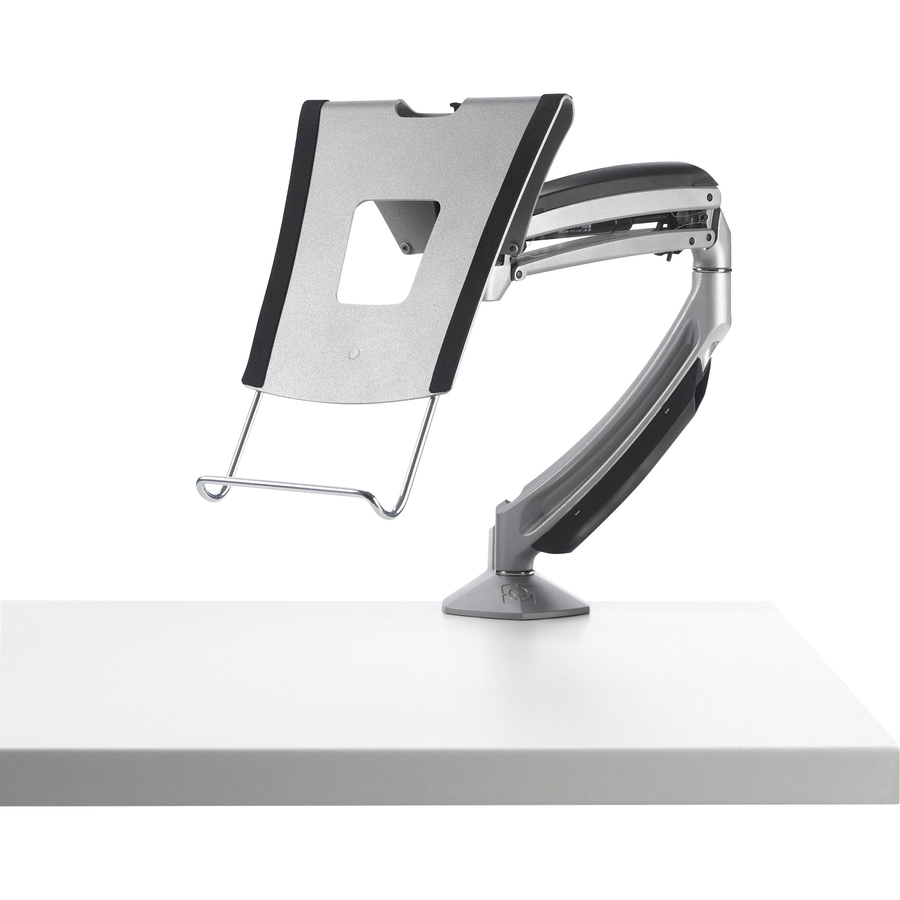
| Marketing Information | <p>Support most laptops or tablets while freeing up valuable desktop space with this flexible Laptop/Tablet Tray accessory. When using a laptop as a secondary monitor, the tray positions the laptop in an ergonomic viewing position next to the primary monitor. Ventilation opening helps your laptop stay cool. Nonslip surface keeps laptops and docking stations stable. Front of Laptop Tray extends from 9-1/2" to 16" to support laptops and tablets of various sizes. Simply turn the depth-adjustment knob on the bottom.</p> |
Lorell Laptoptablet Tray
Login to View Prices
Lorell Laptop/Tablet Tray – Notebook, Tablet Support – Gray
Additional information
| Brand | Lorell |
|---|---|
| Product Type | Cooling Stand |
| Product Color | Gray |
| Country Of Origin | China |
| Recycled | No |
| Post Consumer Waste% | 2000-01-01T06:00:00.000Z |
| Assembly Required | Yes |
| Brand Name | Lorell |
| Features | Adjustable |
| Manufacturer | Lorell |
| Product Name | Laptop/Tablet Tray |
| Device Supported | Tablet |
| Manufacturer Part Number | 3189 |
| Manufacturer Website Address | |
| Marketing Information | <p>Support most laptops or tablets while freeing up valuable desktop space with this flexible Laptop/Tablet Tray accessory. When using a laptop as a secondary monitor, the tray positions the laptop in an ergonomic viewing position next to the primary monitor. Ventilation opening helps your laptop stay cool. Nonslip surface keeps laptops and docking stations stable. Front of Laptop Tray extends from 9-1/2" to 16" to support laptops and tablets of various sizes. Simply turn the depth-adjustment knob on the bottom.</p> |