Business purchasing, government procurement, reseller programs, and nationwide fulfillment.
Use ALMS Marketplace to discover products already in the catalog, build repeat buying around core categories, and request help when a product, brand, quantity, or project needs more support.
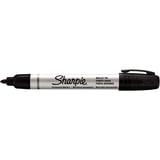
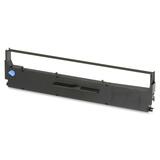
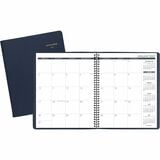
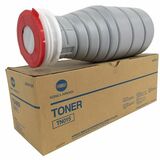
These category cards are connected to the live product taxonomy and link visitors into real marketplace category pages.
A small cached set of current product listings gives visitors an immediate ecommerce experience without loading or scanning the full catalog.
ALMS should be positioned as a place to buy and a place to solve product requirements that do not fit a simple storefront search.
Tell ALMS the product, brand, specification, or use case and route the need into a sourcing conversation.
Move quantity buys and project requirements into a quote path instead of forcing a consumer-style cart experience.
Turn common product groups into repeatable purchasing routines for teams, departments, or locations.
Connect product categories to the teams that use them so the marketplace feels relevant to actual business operations.
Support category buying across branches, departments, facilities, and ship-to locations.
Use the catalog alongside business account, card, quote, and PO-oriented purchasing pathways where applicable.
Use ALMS across more categories instead of adding another vendor every time a new need appears.
Start with products, then expand into procurement, catalog, reseller, or integration needs as the relationship grows.
The sourcing story gives buyers a reason to stay with ALMS even when the requirement is unusual, larger, or project-specific.
Send the category, SKU, brand, quantity, delivery location, timeline, or project requirement and let ALMS route the request to the right sourcing or account path.
Search the indexed catalog by product, SKU, brand, category, specification, packaging, UPC, GTIN, or manufacturer part number.